How to choose a virtual fitting room: 8 criteria.
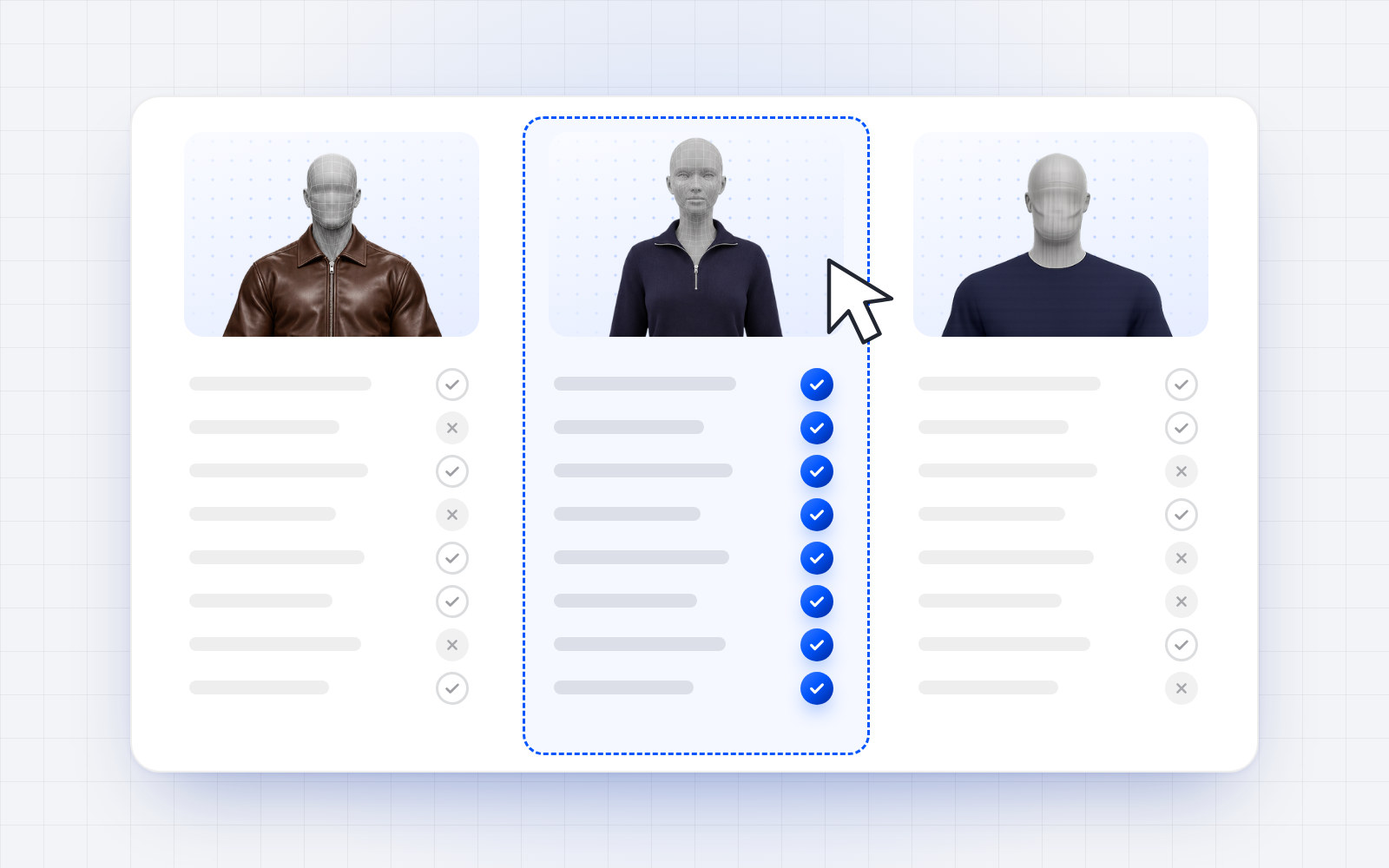
Virtual fitting rooms look alike in demos: a garment, a silhouette, a button. The differences show once they are installed: what they ask of shoppers, what they say about size, and what they cost when traffic grows.
Here are eight criteria to compare them. We build OptiDress; these criteria apply to any tool, ours included.
On the shopper side
- Effort. Photo, camera, measurements, account: count the steps before the first result. Each one loses visitors.
- Size, garment by garment. A good render does not tell which size to buy. Check that the tool recommends a size for each product, based on the garment's real measurements, not just a generic "M".
- Reuse. Does the shopper re-enter everything on each product, or does their profile follow them from page to page?
- Mobile. Most fashion visits happen on a phone: test the tool on a real phone, not only on a desktop.
On the brand side
- Integration. Native app, plugin or a line of code: how long until it is live, and who does the work?
- Your garment data. What must you provide (measurements per size, fabric, cut) and how quickly can a catalogue be set up?
- Analytics. Can you see try-ons, the most tried-on garments and conversion with and without the tool? Without measurement, you cannot tell whether it pays off.
- Price as traffic grows. Plan, price per try-on, setup fees: work out the cost at your real volume, then at twice that.
A simple test to decide
Try each tool on your own store or on its demo store, with three of your products: a fitted piece, a loose piece and a stretch piece. Note the effort required, the size recommended and what the tool explains. You will learn more than from any brochure.
Where OptiDress stands
OptiDress builds a 3D avatar from declared measurements, with no photo, keeps it for 30 days on the store, and recommends the size for each garment, with every size explained. It is a native app on Shopify, with assisted setup elsewhere, and its dashboard shows try-ons, the most tried-on garments and conversion with and without OptiDress. Plans are detailed on the pricing page.
Frequently asked questions.
What matters most when choosing a virtual fitting room?
The criterion that matches your problem. If your returns come mostly from size, check first whether the tool recommends a size for each garment based on its real measurements.
How do you compare the price of two try-on tools?
Work out the monthly cost at your real number of try-ons, then at twice that, including setup fees and the price of try-ons beyond the plan.
Can I test OptiDress without installing it?
Yes, on our demo store: avatar creation without a photo, try-on and recommended size, with no account and no installation.