The best Shopify apps for AI product photos.
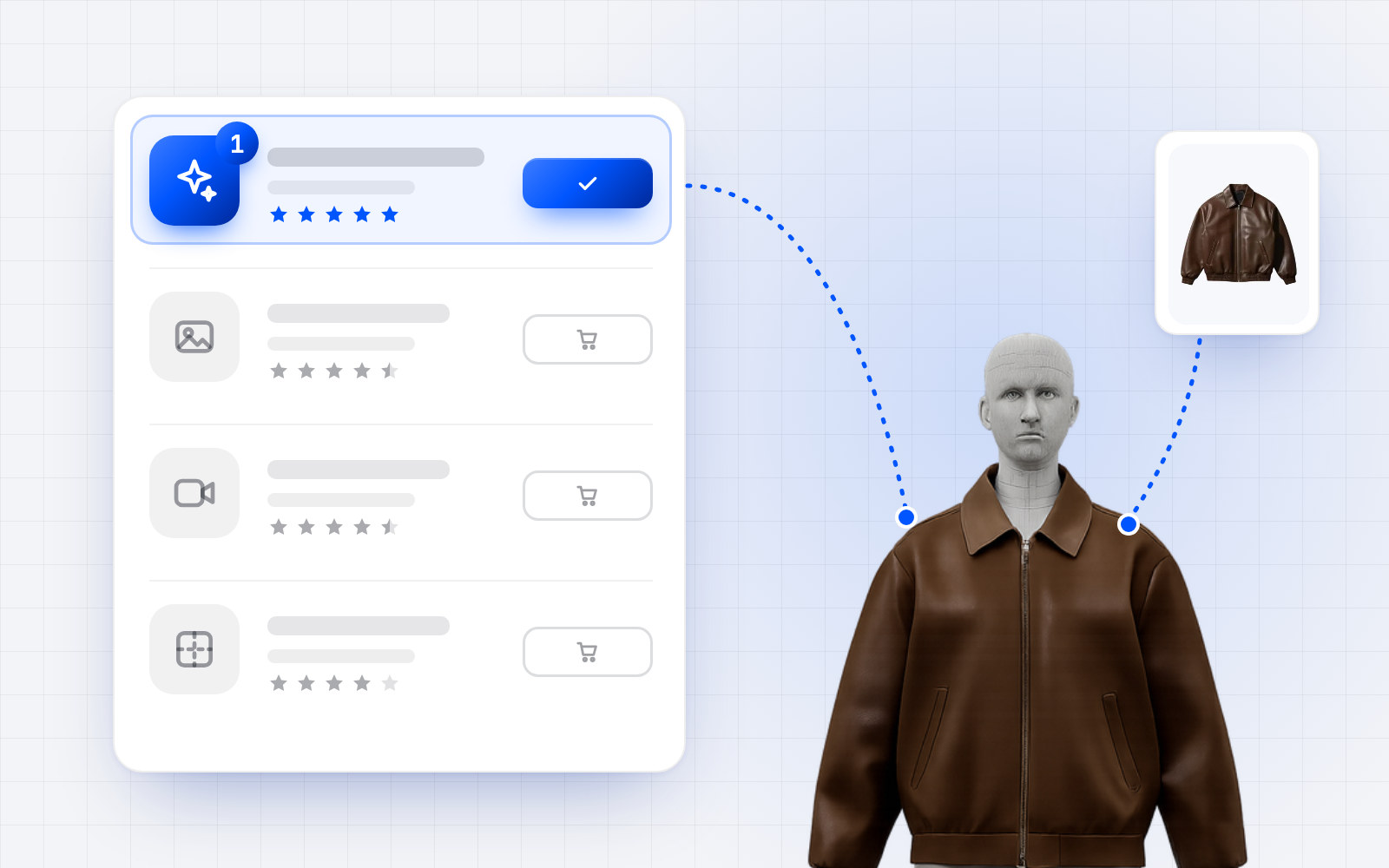
On-model, lifestyle or studio: AI product photo apps now make it possible to dress a whole catalog without organizing a photoshoot. They don't all do the same job, though: some generate models, others mostly clean up backgrounds or produce video ads.
This roundup only includes apps you can install from the Shopify App Store. Ratings, review counts and pricing were taken from each listing on September 28, 2026: they change over time, so check them before installing.
Why product photos matter so much
In the Baymard Institute's usability testing, 56% of users started by exploring the images when they landed on a product page, and 42% try to gauge the product's size from them. In fashion, a flat lay shows neither the drape nor the length: the on-model photo is what shoppers rely on.
Three uses to tell apart
On-model photos. The garment shown on a generated model, from a flat lay or a packshot. It's the most useful use case for a fashion brand.
Studio photos and backgrounds. Background removal, plain or staged backgrounds, a consistent catalog. Useful for every type of product.
Ad creatives. Lifestyle scenes, short videos and social media formats, from the same product photos.
1. Modelize: AI product photos
Modelize generates on-model, lifestyle, studio and flat lay photos directly inside the Shopify admin, from your existing photos. Generation runs in bulk across the whole catalog, with models of diverse body types and ethnicities, ready-made or custom presets, and automatic publishing to your product pages. The app is built by Optify, in Lyon, France, and is available in 20 languages.
- Rating: 4.9 out of 5 (26 reviews), Built for Shopify badge.
- Pricing: free plan to try it (10 images), then from $19/month (100 images) to $99/month (500 images).
- Best for: fashion brands that want on-model and lifestyle photos generated in bulk and published without leaving Shopify.
Install Modelize · modelize.studio
2. Lightbox: product photos in bulk
Lightbox, by Scalix eCom, generates product photos inside the Shopify admin from an existing image, with presets for backgrounds, lighting and lifestyle scenes, and no prompts to write. Bulk generation covers entire collections.
- Rating: 4.6 out of 5 (25 reviews), Built for Shopify badge.
- Pricing: free plan (5 images per month), then from $15/month (100 images) to $100/month.
- Best for: stores that sell more than clothing and want polished backgrounds and scenes at a low price.
3. AI Models & Product Photos by StoreYa
StoreYa's app shows your garments on AI-generated models, ready-made or created by you, with several poses, several backgrounds and custom prompts. It connects to your product feed to generate and update images in a few clicks.
- Rating: 4.7 out of 5 (33 reviews), Built for Shopify badge.
- Pricing: 15 free images, then one-time packs with no subscription: $14 (60 images) or $45 (225 images).
- Best for: occasional needs, with no monthly subscription.
4. Attired: AI models and photos
Attired turns flat lays and packshots into on-model photos, with models you pick or create, and customizable poses and backgrounds. Generation runs in bulk, with automatic publishing to product pages and SEO-friendly alt text on every image.
- Rating: 4.9 out of 5 (12 reviews).
- Pricing: 25 free starting photos, then $29.99/month (100 photos) or $59.99/month (250 photos).
- Best for: fashion-first dropshipping and print-on-demand stores that also want good alt text.
5. Picjam: AI models, photos and videos
Picjam creates on-model photos and videos from flat lay or mannequin shots, and shows a garment on models of different sizes to reflect your customer range. It also works as a media hub for all your fashion visuals.
- Rating: 4.9 out of 5 (10 reviews).
- Pricing: first generation free, then $29/month (200 credits, 10 products) or $99/month (2,000 credits, 100 products).
- Best for: brands that want videos as well as photos, across several body types.
6. MODA: photos and videos, no subscription
From a single photo, MODA produces ten on-model views of the garment from different angles, plus short videos. Models cover men, women, kids and plus sizes.
- Rating: 5.0 out of 5 (5 reviews).
- Pricing: 20 free photos, then pay as you go: $10 for 10 products (100 photos), $50 for 60 products.
- Best for: small catalogs that want multiple angles without a monthly commitment.
7. SellerPic: ads and videos
From your product photos, SellerPic generates visuals and ads for Instagram, Facebook and TikTok, videos, AI model photos and a try-on based on a photo of the shopper. It's the most reviewed app in this roundup.
- Rating: 4.3 out of 5 (89 reviews).
- Pricing: 20 free credits, then from $29/month; some charges may be billed by the developer outside your Shopify invoice.
- Best for: brands focused first on social ads and video.
8. Photoroom: a consistent catalog
Photoroom's assistant connects your catalog, edits product photos in bulk for consistent images and sends them back to your store with no re-uploading. A listing score flags the products that still need attention.
- Rating: 4.0 out of 5 (33 reviews).
- Pricing: free.
- Best for: cleaning up and harmonizing packshots, rather than creating on-model photos.
Setting it up for the first time? Follow our step-by-step guide: how to create AI on-model product photos for your Shopify store.
How to choose
Start from what your product pages are missing today.
If it's on-model photos across the whole catalog, Modelize is the most complete option in this roundup: on-model, lifestyle, studio and flat lay photos, bulk generation, custom models and presets, direct publishing to product pages, in a highly rated Built for Shopify app. Lightbox is an affordable alternative for backgrounds and scenes across all product types. For occasional needs without a subscription, look at StoreYa or MODA; for video, Picjam or SellerPic; to simply clean up your packshots, Photoroom.
Whichever you pick, test it on a few best-sellers with the free offer, and review every image before publishing it: colors, details and proportions must stay true to the product.
And what about size?
An on-model photo shows the garment on a model, not on your shopper. It makes them want the product, but it doesn't tell them which size to order, and fit weighs heavily in fashion returns: according to McKinsey (2021), 70% of apparel returns are caused by poor fit or style. OptiDress completes your photos on the product page: shoppers create a 3D avatar from their height, weight and body type, with no photo, see the garment on their avatar and get a size recommendation for each product. The app installs from the Shopify App Store.
Frequently asked questions.
What is the best Shopify app for on-model photos?
For a fashion brand that wants on-model, lifestyle and studio photos generated in bulk and published straight to its product pages, Modelize is the most complete option in this roundup. For occasional needs without a subscription, StoreYa or MODA.
Are these apps free?
All of them let you try for free, with a few free images or a free plan. Paid plans in this roundup start at $15/month, and some apps offer one-time packs with no subscription.
Can generated photos replace a photoshoot?
For catalog photos (on-model, studio, lifestyle), often yes. For a brand campaign, a photoshoot is still useful. Always keep a faithful photo of the real product.
Do generated photos help shoppers choose their size?
No: they show the garment on a model. Choosing a size takes a recommendation based on the shopper's and the garment's measurements, like the one OptiDress provides.
How were these apps selected?
Only apps you can install from the Shopify App Store, with their ratings, reviews and pricing taken from each listing on September 28, 2026.