Virtual try-on flow: 7 user experience rules.
A virtual try-on that demands too much effort loses shoppers before the result. The flow matters as much as the technology: every unnecessary field, every pointless screen is an exit point.
Here are seven design rules that apply to any tool. We build OptiDress; we apply them to our own interface too.
The seven rules
- A visible button on the product page, with a clear label ("Try it on me"), without overpowering the add-to-cart button.
- Few fields at the start: height, weight, body type. Detailed measurements are optional and offered afterwards.
- Say why you ask: one sentence on how data is used reassures more than a page of legal notices.
- Do not require an account: forcing sign-up before trying on is the first cause of drop-off.
- Keep the profile: shoppers should enter their measurements once, then find them on every product.
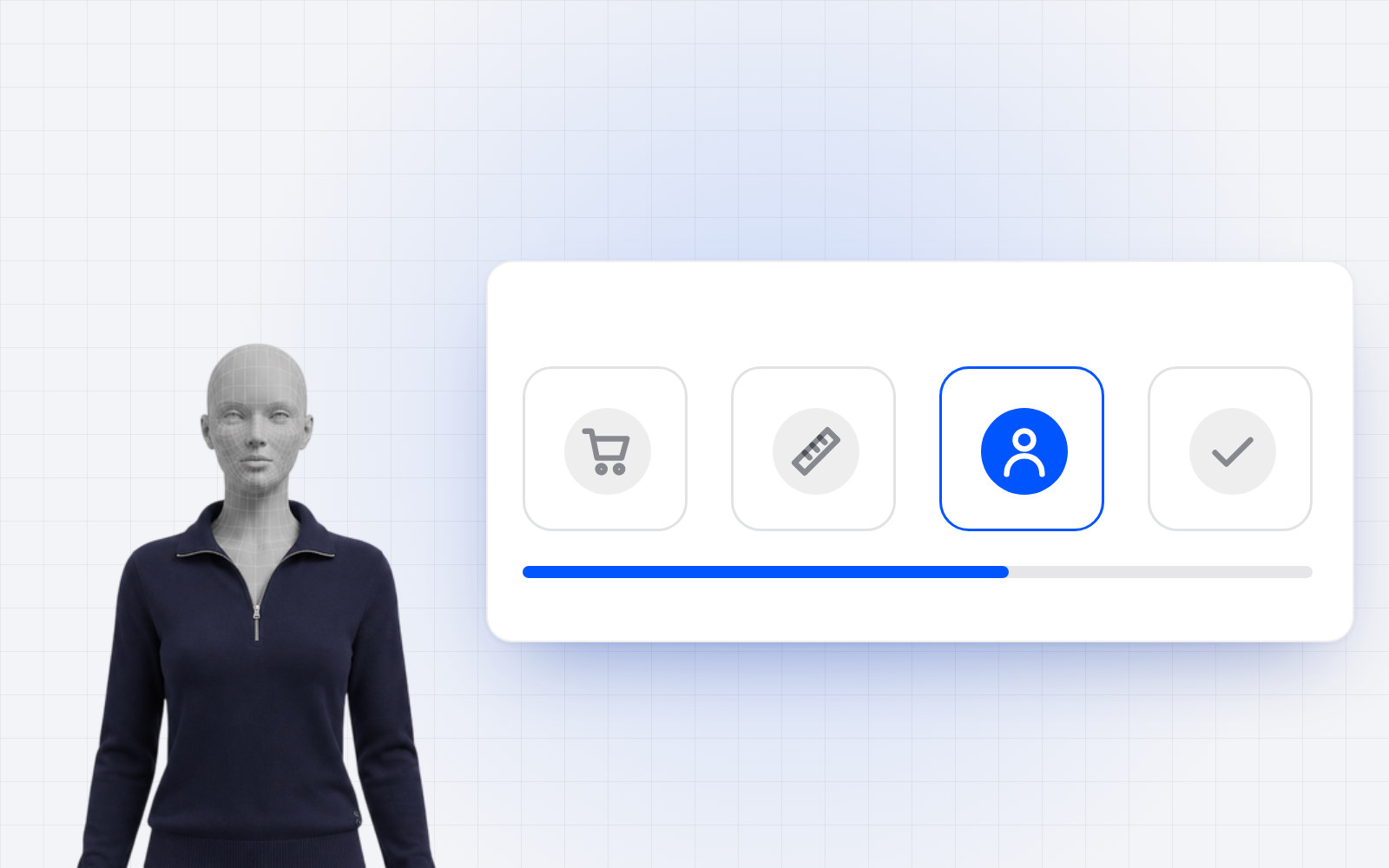
- Show a result quickly: waiting is felt once it passes a few seconds; a progress indicator helps.
- End on a decision: the recommended size, explained, and a direct route to add to cart.
How to test your flow
Have five people who do not know your store go through the flow on a phone, and note every hesitation. Five people are enough to spot most blockers; then measure the completion rate of try-ons on your own traffic.
What OptiDress does
Shoppers create their 3D avatar by declaring their measurements, with no photo and no account; the avatar is kept for 30 days on the store and reused on every product. The interface adapts to the brand's visual identity and comes in 12 languages.
Frequently asked questions.
Where should the virtual try-on button go?
On the product page, near the size choice, without hiding the add-to-cart button, with a clear label.
How many fields should I ask shoppers for?
The useful minimum: height, weight and body type. Detailed measurements should stay optional.
Should shoppers have to create an account to try on?
No, it is better not to: requiring an account before trying on loses many shoppers. With OptiDress, no account is needed.