Virtual try-on for plus-size shoppers: what changes.
For plus-size shoppers, buying fashion online is often more uncertain: ranges are shorter, size charts less precise, and a garment that fits badly shows immediately. A virtual try-on can help, on one condition: it must really represent these body types.
Here are the criteria to check before installing a tool on a store that sells plus sizes. We build OptiDress; these criteria apply to any tool.
What changes for plus sizes
- Body shape matters more than garment size. Two people wearing the same XL do not share the same balance between chest, waist and hips.
- Gaps between sizes are wider: picking the wrong size changes the fit more.
- Garments are not simply scaled up: cut, proportions and armholes can differ from one range to another.
Six criteria to choose a tool
- Varied body types in the avatar: not one template scaled up, but several shapes (slim, balanced, athletic, broad).
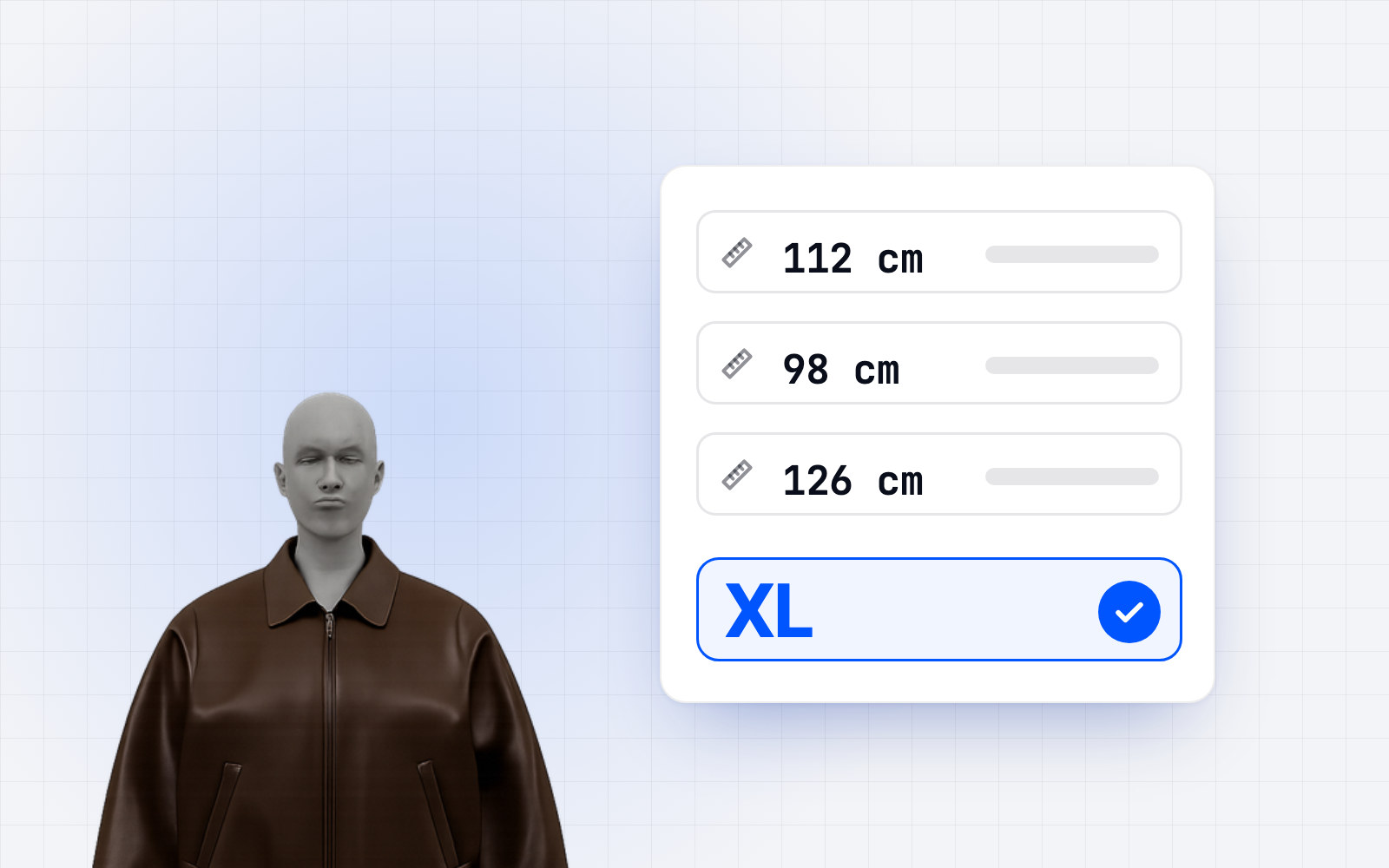
- Detailed measurements: height and weight alone are not enough; shoppers must be able to enter chest, waist and hips.
- Full range coverage: the tool must work on every size you sell, not just the middle of the range.
- Garment measurements per size for each size on offer, the largest included.
- An explained recommended size: say why, and what the size above or below would give.
- A neutral tone: the interface must never comment on the shopper's body.
On the store side
Publish garment measurements for the whole range, plus sizes included. It is the data most often missing, and no tool can guess it. For your shoppers, our guides on how to take body measurements and the jeans size chart explain what to measure.
The OptiDress approach
OptiDress builds a 3D avatar from the measurements the shopper declares (height, weight, body type and, optionally, chest, waist and hips), with no photo. It then compares those measurements with the measurements of each size provided by the brand and explains each size.
Frequently asked questions.
Does a virtual try-on work for plus sizes?
Yes, provided the avatar represents varied body types, accepts detailed measurements, and the brand supplies measurements for all its sizes.
What data is most often missing for plus sizes?
Garment measurements for every size in the range. Without them, no tool can recommend a reliable size.
Does the shopper have to upload a photo?
It depends on the tool. With OptiDress, no photo is requested: the avatar is built from the measurements the shopper declares.